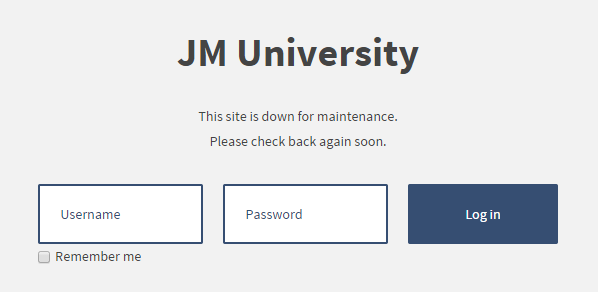
Offline Page


There is a possibility to disable access to the front of your site.

How to enable the offline page?
Step 1: Go to "System -> Global Configuration -> Site".
Step 2: Click on "Yes" for "Site Offline" option.
Step 3: Fill in a text for "Offline Message" to give your visitors some explanation about why your website is unavailable.
Step 4: Click on "Save" to save your settings.

How to customize the offline page?
You need to edit the following file: /templates/jm-template-name/offline.php

Album-Sports

img_20190619_112637_4
img_20190619_132723_7
img_20190619_144240_4
img_20190619_144524_8
img_20190619_145357_8
img_20190619_150316_8
img_20190619_180532
img_20190619_180532
img_20190619_180603_9
img_20190619_180825_3
img_20190619_180833_2
img_20190619_180833_6
img_20190619_180834_1
kise_cover
kise_cover
Previous Next Play Pause

Back to top